Documentation
image
[image, name(, width=full, style, alt, id, size, class, lazyload, folder=various)]
with keys[image, name=(, width=full, style=, alt=, id=, size=, class=, lazyload=, folder=various)]
Display an image while retaining the aspect ratio, from "folder", unless a folder is included in the image name.Parameters
name - image name including extensionwidth - optional width to display the image at:
full = actual image width up to 100% of the container layer width
% of width with padding:1%
100% = 97% container layer width
75% = 72% container layer width
66% = 63% container layer width
50% = 47% container layer width
33% = 30% container layer width
25% = 20% container layer width
100% = 97% container layer width
75% = 72% container layer width
66% = 63% container layer width
50% = 47% container layer width
33% = 30% container layer width
25% = 20% container layer width
number of same width images filling a line
x1 = 97% container layer width
x2 = 47% container layer width
x3 = 30% container layer width
x4 = 20% container layer width
style - optional css formattingx1 = 97% container layer width
x2 = 47% container layer width
x3 = 30% container layer width
x4 = 20% container layer width
alt - optional text describing the image, necessary for high SEO scoring
id - image id
size - optional image size (pixels max):
x = x-large (2000 x 2000)
l = large (1000 x 1000)
m = medium (500 x 500)
s = small (200 x 200)
class - optional image class namel = large (1000 x 1000)
m = medium (500 x 500)
s = small (200 x 200)
lazyload - add Lazy class to images
folder - name of images folder
See Also
[imagelist][imagewall]
[rollimage]
[swipeimage]
images
css-styles
Changes
1.57 - updated, folder parameter passed to [imageinstead of prefixing "name" parameter]1.57 - updated, lazyload parameter added
1.56 - updated, access to library images
1.44 - class parameter added
1.42 - size parameter added
1.37 - accepts key=value pairs as parameters
Examples
Example#1 single image full width[image, image.jpg, full]
Output: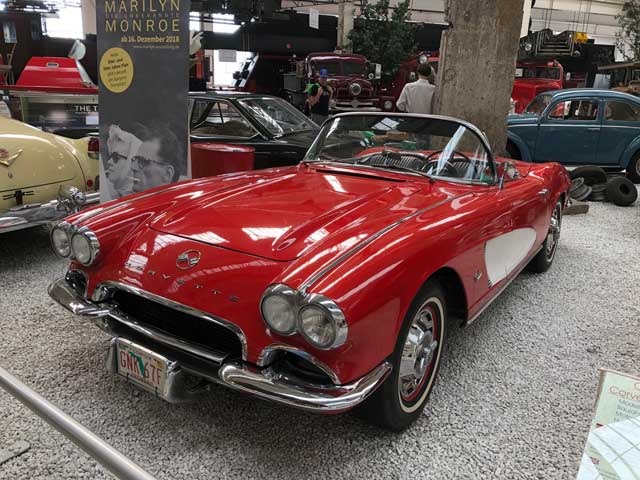
[image, image.jpg, 100%]
Output:[image, image3.jpg, x3]
[image, image1.jpg, x3]
[image, image4.jpg, x3]
Output:[image, image1.jpg, x3]
[image, image4.jpg, x3]

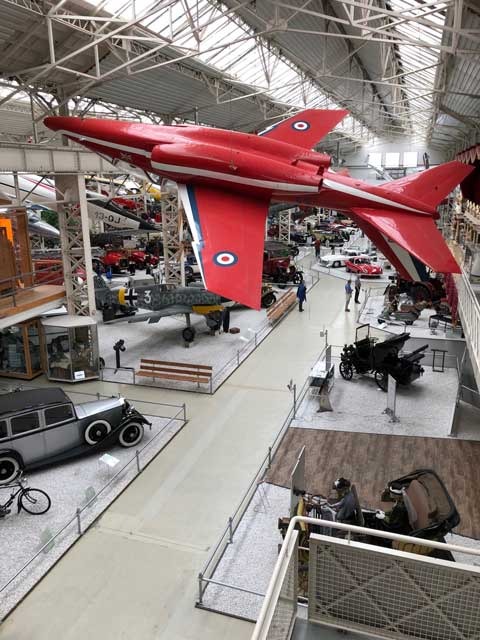
[image, image3.jpg, 66%]
[image, image1.jpg, 33%]
[image, image6.jpg, 33%]
[image, image4.jpg, 66%]
Output:[image, image1.jpg, 33%]
[image, image6.jpg, 33%]
[image, image4.jpg, 66%]

[section]
[image, travel/image6.jpg, 33%]
[sectionend]
Output:[image, travel/image6.jpg, 33%]
[sectionend]
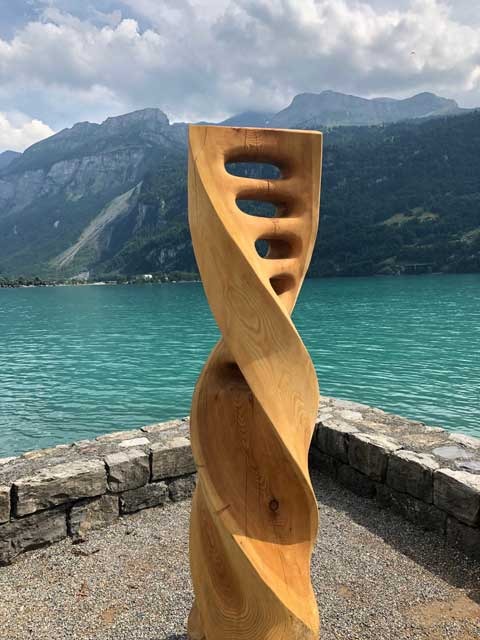
[section]
[image,name=image6.jpg,width=33%,folder=travel]
[sectionend]
Output:[image,name=image6.jpg,width=33%,folder=travel]
[sectionend]
Notes
CSS styles max-width & max-height with object-fit can be used to restrain an image while retaining the aspect ratio ie. max-height:50vh; object-fit: contain;